
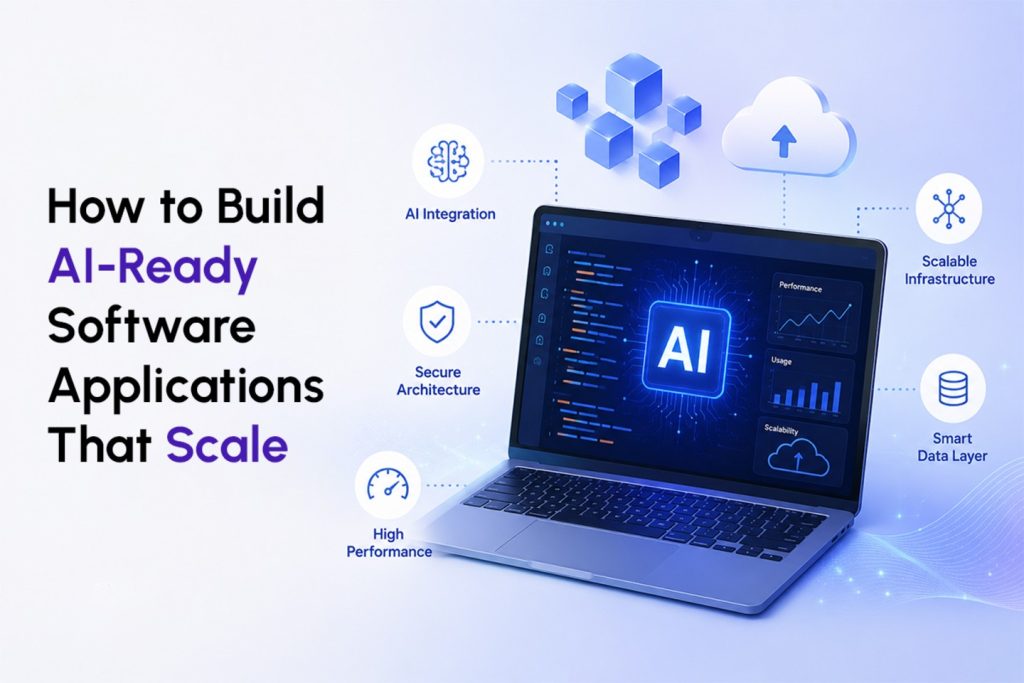

AI-ready software applications are simply built on clean data pipelines, modular architecture and clear separation between business logic and model logic. Many businesses require this software as it is easily broken by adding AI on top of legacy systems. Building AI ready software is not just about choosing the right model. It starts with clean data, flexible APIs, continuous monitoring and a system that is designed to adapt as AI technology evolves. The worst thing companies can do is view AI as a feature rather than a capability that is built around its entire system. As technical decisions begin to outnumber the bandwidth that your in-house team has, then it’s time to seek external assistance.
Why Most Software Is Not Ready for AI Yet
Most software was never designed to think. It was designed to follow instructions. Click a button, run a function, return a result. That model worked for decades and honestly, it still works for plenty of use cases today.
The moment you add AI to such a system, though, it begins to squeak. A chatbot attached to a 10-year-old CRM. A recommendation engine attached to the e-commerce back-end that isn’t designed for personalization in real-time.
The problem that is that there is a tool that calls an AI model, but it doesn’t have any way to know what the AI model said or why.
None of this is really about the AI failing. It’s about the software underneath it never being asked to handle something unpredictable before.
That’s the real shift happening right now. Software applications used to be deterministic. You put in X, you get Y, every single time. AI introduces a different kind of behaviour. Outputs can vary. Confidence levels matter. Context changes the answer. If your architecture assumes everything is fixed and predictable, AI will expose that assumption fast.
What Actually Makes an Application AI-Ready?
People throw around the term “AI-ready” a lot and it usually means something vague like it has a chatbot or it uses an API from OpenAI. That is not really it.
An AI-ready application has a few specific traits.
- Clean, accessible data. The application can pull structured, well-labeled data without a team manually exporting spreadsheets first.
- Modular architecture. Business logic, application logic and AI logic are separated, so one piece can change without breaking the others.
- Defined APIs and contracts. Every service talks to every other service through a documented, versioned interface.
- Observability built in. You can see what the AI model received, what it returned and how confident it was.
- A plan for model change. The system doesn’t assume today’s model is the model you’ll use two years from now.
If even two or three of these are missing, adding AI on top usually creates more support tickets than it solves.
It’s easy to understand: Picture your application as a kitchen. Traditional Kitchen: Fixed Menu, Fixed Process. Having the same staff and the same stove, but an AI-ready kitchen that can easily handle custom orders, substitutions and last minute changes without the whole line breaking down. The infrastructure needs to be flexible enough to deal with variation, rather than running a script.
Why Should Businesses Prepare Now Instead of Later?
There’s a temptation to wait. “We’ll get AI-ready when we actually need AI.” The problem with that thinking is that retrofitting is almost always more expensive and slower than building it in from the start.
Think about how companies handled mobile in the early 2010s. The ones who waited until customers demanded a mobile app usually ended up with a rushed, bolted-on experience that never quite matched the quality of the desktop product. The ones who rebuilt their foundations early had room to grow into mobile properly.
AI is following the same pattern. Enterprise AI applications built on shaky data foundations tend to underperform, cost more to maintain and lose trust with users the moment the model gives a wrong or strange answer. Preparing your software applications now, even before you have a concrete AI use case, means you’re not racing to fix architecture while your competitors are already shipping features.
There’s also a talent and cost angle here. Engineers spend far more time fighting bad data pipelines and undocumented systems than they do writing new features. A team that already has clean architecture can move on AI initiatives in weeks. A team without it can spend months just getting the data into a usable shape before any model touches it, according to guidance from Microsoft’s Azure Architecture Center, which notes that context design, including retrieval pipelines and memory stores, has to be deliberate or the system risks stale answers and exposed data.
The Architectural Decisions That Actually Matter?
Not every technical decision carries the same weight. A few choices, made early, determine whether your system scales gracefully or turns into a maintenance headache.
Separate the model from the application
This is probably the single most important principle in AI application development. Your application should call the model through a clean interface, not have model-specific logic scattered across the codebase. If GPT gets replaced by a different model next year or you decide to run something open source for cost reasons, you shouldn’t need to rewrite half your product to make that switch.
Design for changing data, not static data
Traditional applications often assume the database looks the same shape today as it did last year. AI systems learn from data that keeps evolving, so your pipelines need to handle drift, retraining and quality checks as a normal part of operations, not a one-time setup task.
Build in observability from day one
You need to know what a model was asked, what it answered and how confident it was. Without this, debugging a wrong answer six months from now becomes almost impossible. Teams that skip this step usually regret it the first time a customer complains about something the AI said and nobody can explain why.
Plan for cost and latency together
AI calls are not free and they are not instant. A feature that feels smart in a demo can become painfully slow or expensive at real scale. Architecture decisions around caching, batching and when to call a model versus when to use simpler logic make a measurable difference in both user experience and your monthly bill.
Treat prompts and configurations like code
Prompts change often, sometimes weekly. If they’re hardcoded and undocumented, nobody remembers why a particular instruction was written a certain way. Version controlling prompts the same way you version control code keeps the system auditable and much easier to improve over time.
How Scalable AI Systems Differ From Traditional Software
Traditional software scales in a fairly predictable way. More users mean more servers, more database replicas, maybe a content delivery network. The formula is well understood.
AI systems scale differently and this catches a lot of teams off guard.
First, cost doesn’t scale linearly the way server costs usually do. Every AI call has a real dollar cost tied to it, so a feature that seemed cheap with a hundred users can get expensive fast with a hundred thousand.
Second, quality isn’t guaranteed to stay stable.
A model that performs well on your test cases can behave differently on edge cases you never anticipated. Scalable systems need feedback loops that catch this early, not just uptime monitors.
Third, there’s a governance layer that traditional software rarely needed. Who approved this model? What data was it trained or fine-tuned on? Can you explain a decision it made to a regulator or a customer? According to AWS’s Well-Architected Machine Learning Lens, machine learning workloads depend on continuous monitoring because data quality shifts over time and that ongoing oversight is fundamentally different from how deterministic applications are typically operated.
None of this means AI systems are harder to build well. It just means the muscle memory from traditional software engineering needs an update, not a replacement.
Common Mistakes Companies Make When Building AI Software Applications
Some promising patterns keep repeating themselves with teams that are having challenges making the transition.
Considering AI as an add-on
A chat widget over the top of a product without a rethinking of the data and architecture behind the product will typically yield a shallow and untrusted product in the eyes of users.
Failing to clean up data
One of the more common mistakes, and one that can be easily avoided, is to put in “messy” and “inconsistent” data into the model and then expect consistent results out.
No fullback plan
What happens when the model is slow, unavailable or gives a low confidence answer? Systems without a fallback path tend to fail visibly and awkwardly in front of users.
Ignoring security early
AI systems can be involved in sensitive data retrieval or fine-tuning. Security must be designed from the ground up—it’s not an add-on that can be bolted on when it’s ready for launch.
Over-customizing too early
There is a tendency to optimize a model before they have tested the use case with a simpler model. The idea of building it up slowly and gradually, so adding some complexity if needed, is usually more cost and time effective.
Practical Steps for Building AI-Ready Software
If you’re figuring out how to build AI software applications the right way, a rough sequence looks like this.
- Audit your current data. Know what’s clean, what’s siloed and what needs work before anything else happens.
- Define clear service boundaries. Decide what talks to what and document the contracts between them.
- Pick a model strategy that’s flexible. Avoid hardwiring your architecture to a single vendor or model version.
- Build observability and logging first. This should exist before the AI feature ships, not after something goes wrong.
- Start with a narrow, well-defined use case. Prove value on something small and specific before expanding scope.
- Set up feedback loops. Let real usage data inform how the model and the system evolve over time.
This isn’t a race. The businesses that get the most durable results tend to move deliberately, testing assumptions at each stage instead of trying to launch everything at once.
When It Makes Sense to Bring in Outside Help
Plenty of internal teams can handle standard feature development just fine. Where things get harder is when a company needs to redesign core architecture while also keeping the existing product running for current customers. That’s a different kind of project and it usually needs people who’ve done it more than once.
Look for these indicators that it’s time to consult an AI application development company:
Your team is investing more in troubleshooting AI integrations than in developing new features, your data infrastructure was not built with machine learning in mind, or you are looking for a system that can integrate multiple use cases for AI instead of just one isolated feature.
Gartner’s research on scaling generative AI across the enterprise points to a similar pattern, noting that organizations tend to succeed when they treat AI scaling as a continuous, prioritized process rather than a series of disconnected pilot projects. That kind of discipline is often easier to bring in from outside than to build from scratch under deadline pressure.
Bringing It All Together
It’s not about the latest model or the most impressive add-on to a pitch deck. It’s not a matter of the latest model or the most flashy add-on to a pitch deck. It’s about the mundane, the basic, the data cleaning, the modular design, the clear interface, the honest observability. Have those right and then tacking on AI becomes as easy as more buttons.
The ones that treat this as a part of their infrastructure and not a marketing box are the ones who have real features of AI that make them usable when the real users begin using them.
At Cuneiform Consulting, this is the kind of groundwork we spend most of our time on with clients: getting the architecture right before the AI features get the spotlight. If your team is weighing how to approach this for your own systems, it’s worth a conversation before the technical debt piles up.